
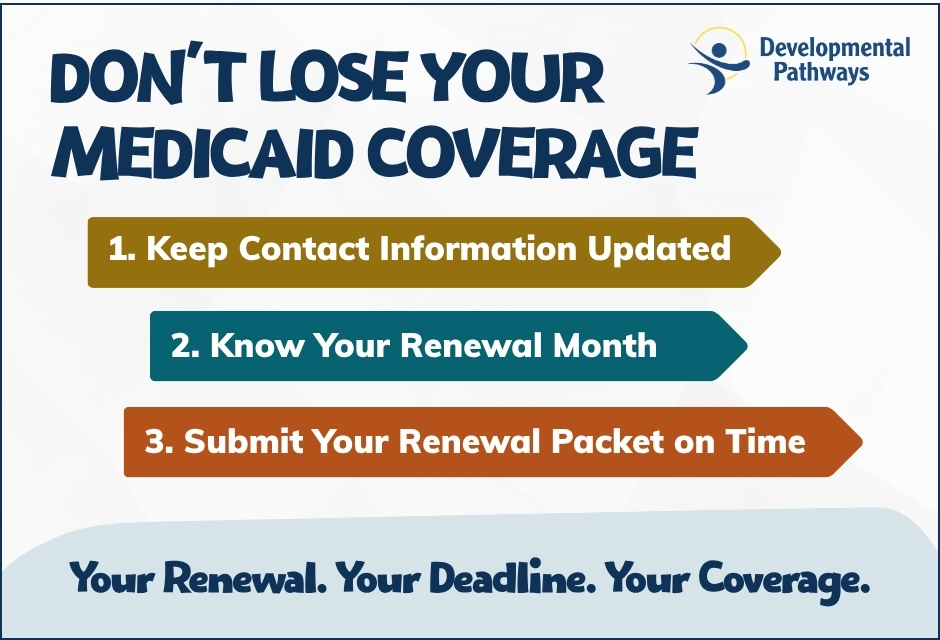
If you’re enrolled in Health First Colorado (Colorado Medicaid), you must complete your renewal each year to keep your benefits. Missing your deadline could result in loss of coverage, including waiver and/or Community First Choice (CFC) services.
How Renewals Work
- Renewal notices are sent by mail, to your Colorado PEAK account, or via the Health First Colorado Mobile App about two months before your renewal month.
- It is your responsibility to check your mail, PEAK account, or mobile app for renewal information.
- If you receive Medicaid Buy‑In, you must also keep premium payments up to date.
What You Need to Do
Keep your contact information current: Make sure Medicaid has your correct mailing address, phone number, and email.
Know your renewal month: Log in to your Colorado PEAK account or the Health First Colorado mobile app to find your renewal date.
Complete and submit your renewal packet on time: Return your signed renewal packet and all required documents, such as current financial statements, by the deadline. A signature is required, even if there are no changes to report.
Need Assistance?
If you have questions or need help completing your renewal:
- Contact Health First Colorado Medicaid
- Contact your local county office: find contact info in DP’s Long-Term Care Medicaid and Social Security Guide under: “Contacts — Department of Human Services by County.” under: “Contacts — Department of Human Services by County.”
Additional Resources
- Visit the Renewals: What You Need to Know page on Health First Colorado’s website.
- Visit DP’s Helpful Tools page for:
- A visual showing how to find your renewal date in PEAK in the Medicaid/SSA Guide
- Certified Medicaid renewal support sites to help with renewal packets across multiple counties.